Personal Finance
Explore personal features Understand everyday money
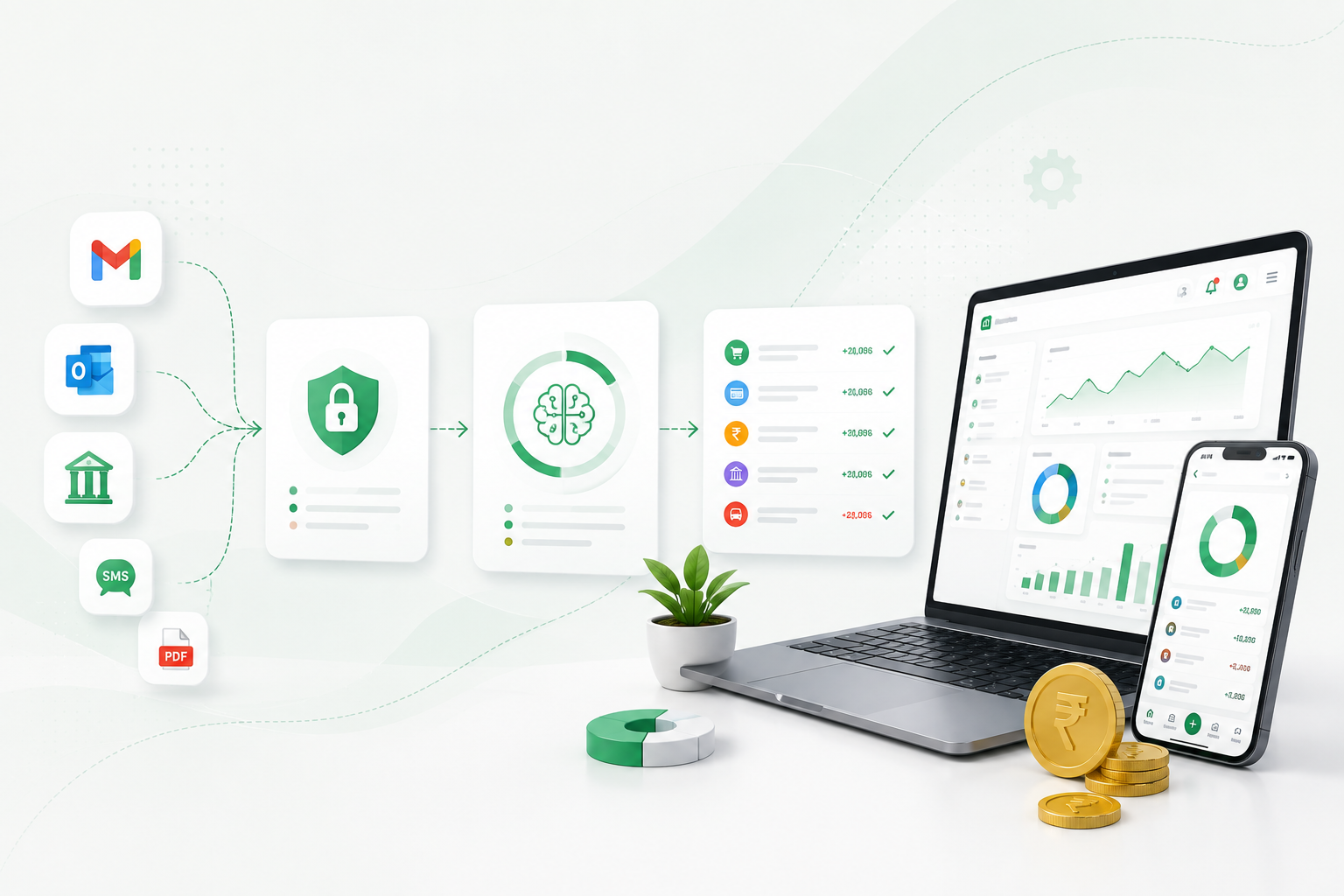
Connect accounts, transactions, categories, budgets, goals, bills, loans and cards in a personal workspace.
Set up personal finances or a business workspace, manage daily work, bill customers, collect configured actions and understand the results—all in one platform.
 Set up
Use the same secure platform with the workflow that fits what you manage.
Connect accounts, transactions, categories, budgets, goals, bills, loans and cards in a personal workspace.
Use customers, invoices, products, inventory, locations, team permissions and pack-specific operational modules.
Start small, then enable more capabilities when your workflow needs them.
Register and verify your KharchaBill account.
Choose personal finance or enter the details for your business workspace.
For business use, activate a ready-to-use pack with the modules you need.
Record transactions and use the customers, products, inventory or operational tools enabled for you.
Create customer invoices or manage accounts, expenses, bills, budgets and goals.
Add secure payment, feedback or other configured actions to customer documents.
Verified provider events can update payments, while submitted feedback stays linked to its source record.
Use reports calculated from your recorded financial and operational activity.
Configured actions connect the customer’s next step to the original business record.
Available when the workspace has an enabled payment action and verified provider account.
Feedback uses the workspace’s configured questions and remains attached to the source record.
Choose a pack with the modules and workflows that fit the way your business works.
Create a personal workspace or choose a Business Pack for your business.