Overview
Overview configured for Restaurant.
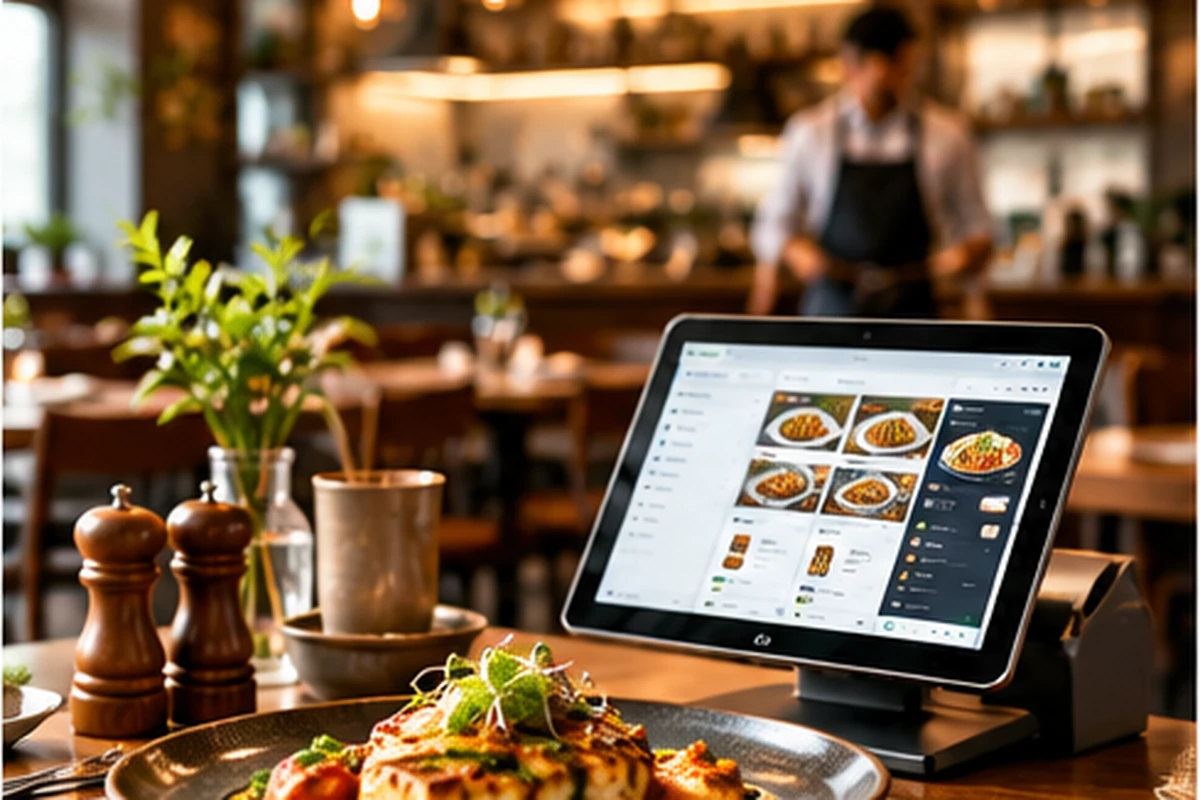
Manage dine-in and takeaway orders, KOT status, bills, payments and outlet reporting from one workspace.
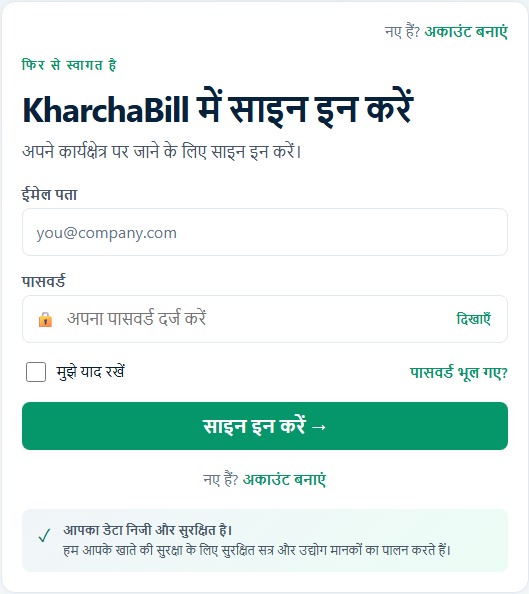
This content is available in its original language.
Different staff members can use a supported interface language while working with the same business data. Roles and permissions remain unchanged.
Restaurants, cafes, cloud kitchens and growing food-service teams.
Replace spreadsheets, WhatsApp notes and separate billing or stock tools with one connected workflow.
Take orders, move them through KOT status, create bills and record supported payments.
Overview configured for Restaurant.
Accounts configured for Restaurant.
Manage customer contact, tax details and history.
Customers, catalog, sales, tax invoices and printing.
Manage menu categories, prices, tax, variants and availability.
Transactions configured for Restaurant.
Create and track restaurant orders through fulfilment.
Track table capacity, outlet and current occupancy.
Secure customer payment, feedback, approval, tracking and document actions.
Categories configured for Restaurant.
Configure workspace tax rates and defaults.
Budgets configured for Restaurant.
Configure fixed and percentage promotions.
Reports configured for Restaurant.
Bills configured for Restaurant.
Settings configured for Restaurant.
Packages configured for Restaurant.
Shared party, item and organizational masters.
Secure channel and payment integrations.
ERP reporting and analytics.
Restaurant v1 role-required module
Restaurant v1 role-required module
Restaurant v1 role-required module
Track menu items, stock, purchases, expenses, staff access and outlet reports.
Overview configured for Restaurant.
Accounts configured for Restaurant.
Transactions configured for Restaurant.
Track table capacity, outlet and current occupancy.
Secure customer payment, feedback, approval, tracking and document actions.
Categories configured for Restaurant.
Track stock, thresholds, units and availability.
Configure workspace tax rates and defaults.
Budgets configured for Restaurant.
Configure fixed and percentage promotions.
Reports configured for Restaurant.
Bills configured for Restaurant.
Settings configured for Restaurant.
Packages configured for Restaurant.
Shared party, item and organizational masters.
Secure channel and payment integrations.
Double-entry accounting, GST and TDS foundation.
Procurement shared ERP engine.
Fixed Assets shared ERP engine.
Compliance shared ERP engine.
ERP reporting and analytics.
Restaurant v1 role-required module
Restaurant v1 role-required module
Restaurant v1 role-required module
Restaurant v1 role-required module
Governed approvals and audit evidence.
Follow a clear path from the first customer or business action to its connected record and report.
Least-privilege starting roles are provisioned with the Pack and can be reviewed by a workspace administrator.
Access remains permission and scope controlled.
Access remains permission and scope controlled.
Access remains permission and scope controlled.
Access remains permission and scope controlled.
Access remains permission and scope controlled.
Access remains permission and scope controlled.
Access remains permission and scope controlled.
Access remains permission and scope controlled.
Access remains permission and scope controlled.
Monitor outlet sales, orders and operating costs.
Available reports still require the corresponding module and permission.
Workspace roles and location scope control what each team member can see or change. Availability follows this Pack’s supported configuration and the active subscription.
The customer and business work listed on this page is available with an active plan and the right staff access.
Hear from businesses using KharchaBill.
“Simple to use and exactly what our team needed. Billing and tracking are effortless.”
“Great for multi-location management. Inventory and reports save us hours every week.”
“The setup was quick and the support team is always helpful. Highly recommended.”
Start with a Business Pack configured for the way you work.
Essential cookies keep KharchaBill secure. With your permission, we also remember preferences and measure site usage.