Personal Finance
Explore personal features Understand everyday money
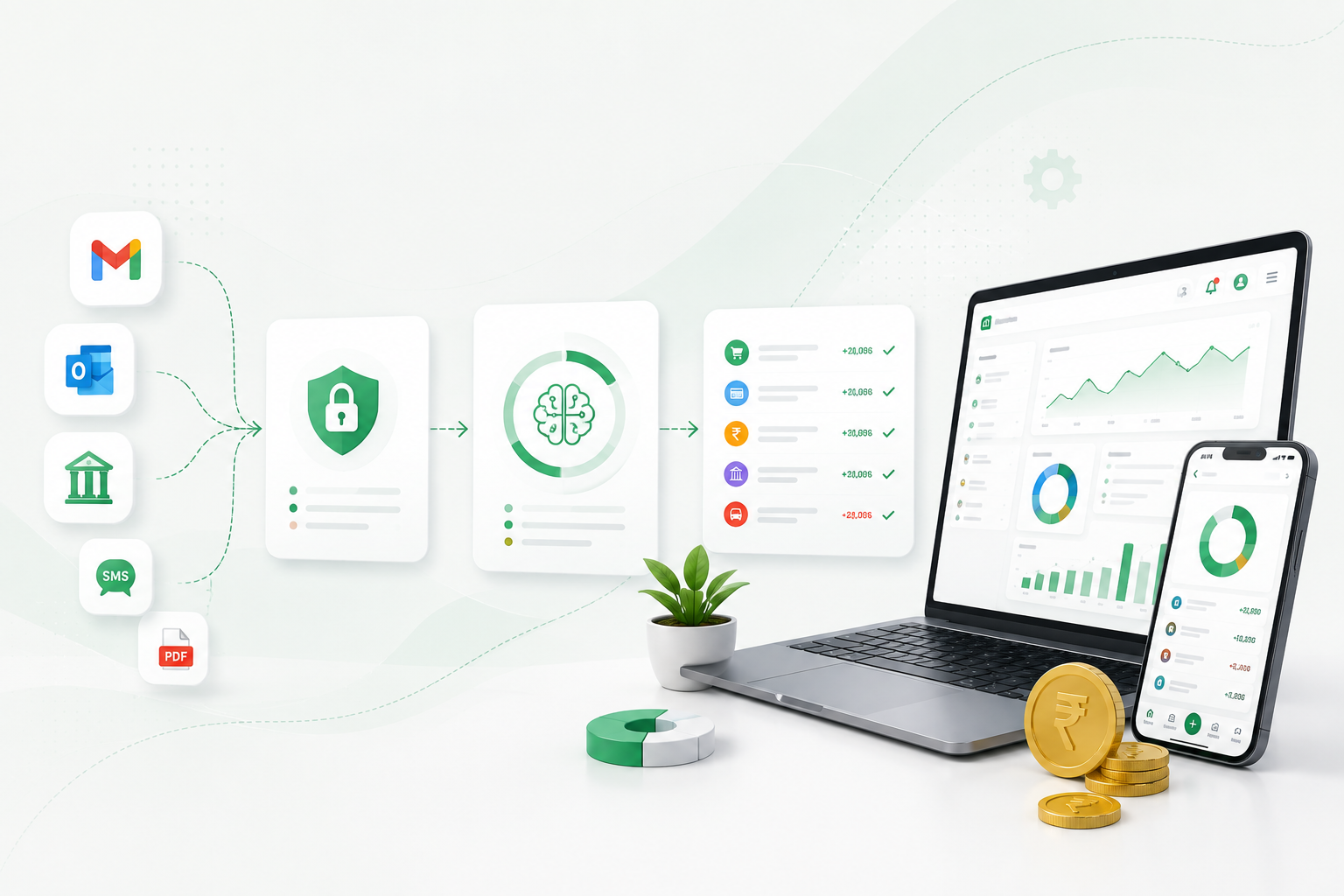
Connect accounts, transactions, categories, budgets, goals, bills, loans and cards in a personal workspace.
Choose the right Pack, create your workspace, add staff and starting data, then run supported billing and operations with connected reports.
 Set up
Use the same secure platform with the workflow that fits what you manage.
Connect accounts, transactions, categories, budgets, goals, bills, loans and cards in a personal workspace.
Use customers, invoices, products, inventory, locations, team permissions and pack-specific operational modules.
Start with the Pack you need today and add only the people, locations and records your supported workflow uses.
Compare published Packs by audience, daily work, price and exclusions.
Register, verify your account and activate the eligible Pack you selected.
Invite team members and assign supported roles and location scope.
Add customers, products, suppliers and opening information used by your Pack.
Use the customer and business workflows listed in the Pack’s supported scope.
Review reports calculated from the sales, expenses, stock and payments you record.
Configured actions connect the customer’s next step to the original business record.
Available when the workspace has an enabled payment action and verified provider account.
Feedback uses the workspace’s configured questions and remains attached to the source record.
Choose a pack with the modules and workflows that fit the way your business works.
Create a personal workspace or choose a Business Pack for your business.
Essential cookies keep KharchaBill secure. With your permission, we also remember preferences and measure site usage.